- Toolbar
Toolbar
- v1.25.2
October 21, 2026
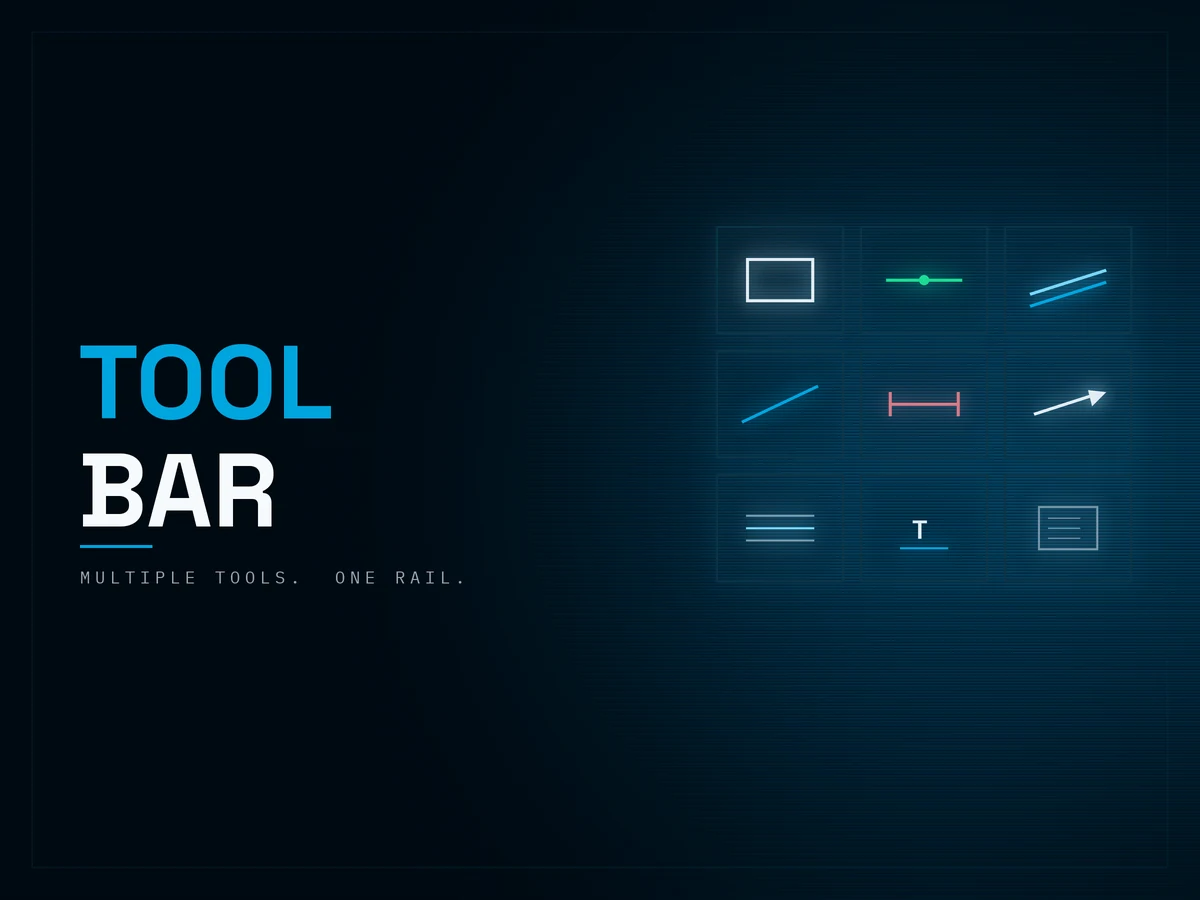
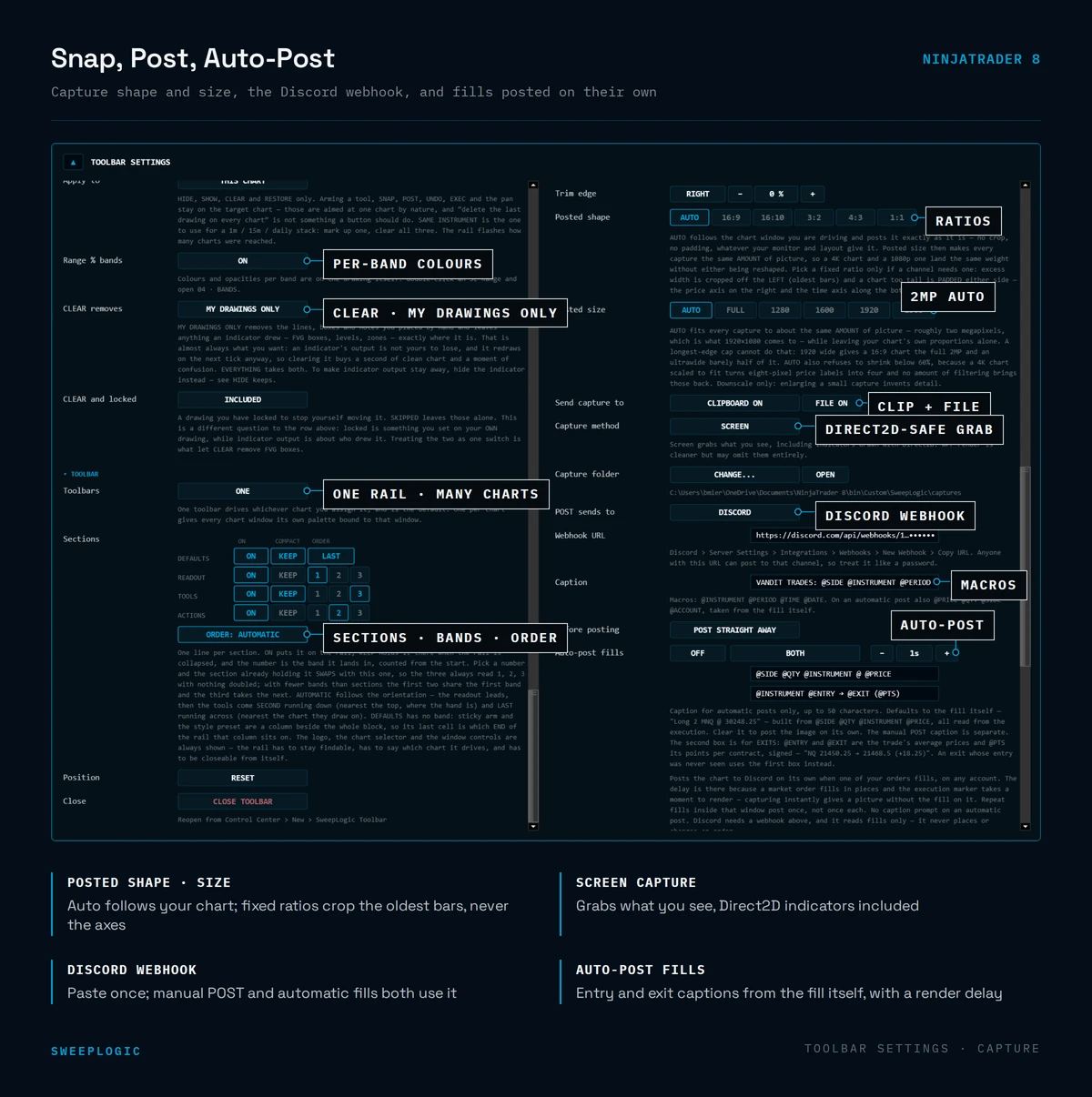
Every drawing tool you actually use, on one floating rail — armed in one click, on whatever chart you’re looking at. The SweepLogic Toolbar is a NinjaTrader 8 AddOn, not an indicator. It floats above your workspace, follows the chart you’re focused on, and arms 13+ purpose-built SMC drawing tools without hunting through NT8’s drawing menu. Sticky arm keeps the tool live for a run of marks. HIDE, SHOW, CLEAR and UNDO clean the chart in one click each — drawings only, indicators never touched. Instant click captures the chart to your clipboard, a PNG folder, or straight to your trading Discord or SweepLogic Journal — cropped clean, toolbar hidden, your trades displayed and annotated. Lock button locks the toolbar and all active Ninjatrader 8 windows in place.
$149.00
Lifetime License · Instant Download
Watch Video About the Indicator
Trading Concepts You'll Use
Liquidity Marking
Fair Value Gaps
Order Block
Premium / Discount Zones
Measured Moves
Fibonacci Retracement
Sessions and Killzones
Trend Channels
Chart Annotation
Consequent Encroachment
Tade Journaling
Market Structure
Dealing Range
PD Arrays
OTE Zones
Features
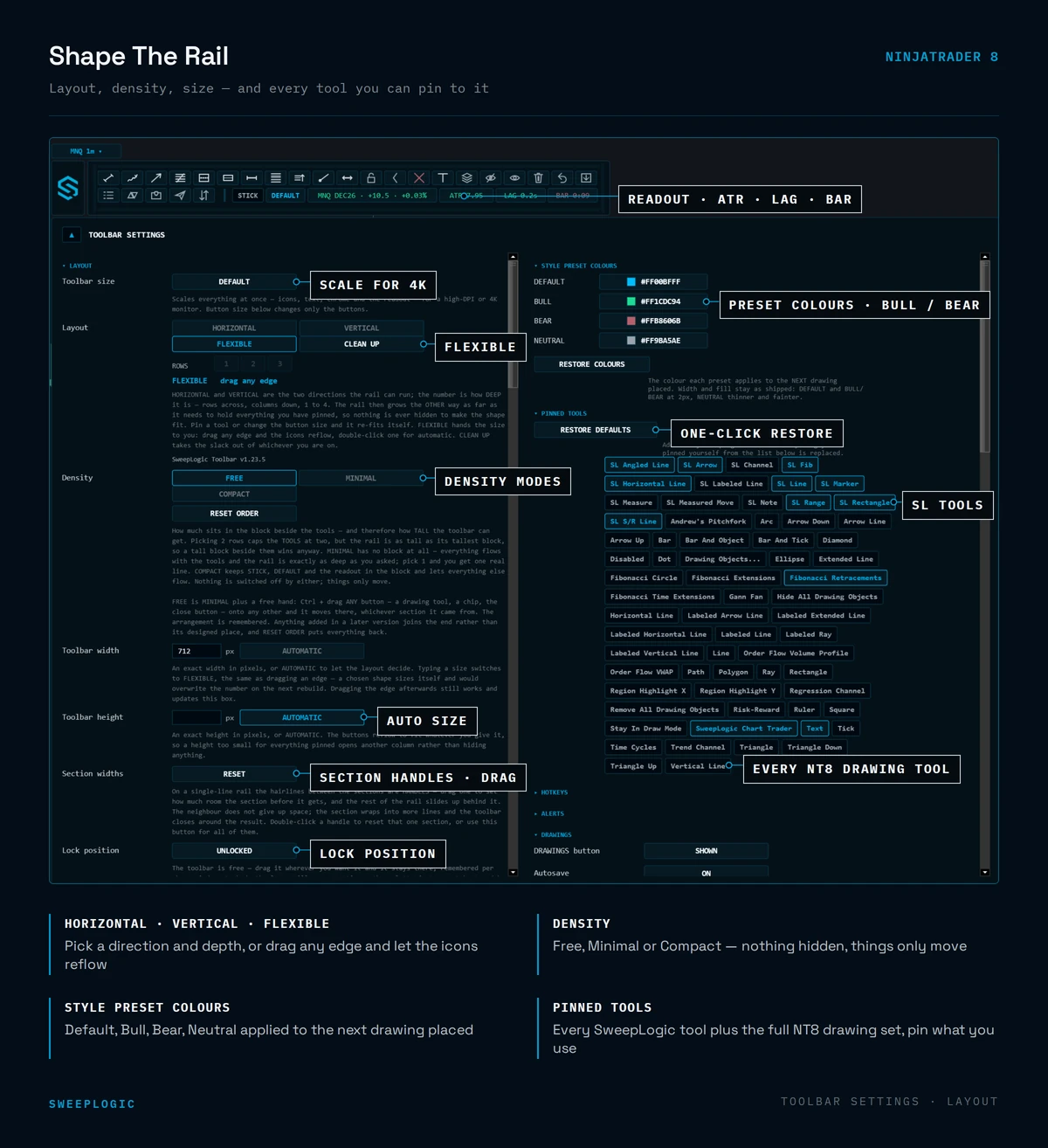
Floating tool rail — sits above every chart, horizontal or vertical, drag anywhere and lock it in place
13+ SweepLogic drawing tools — Rectangle, S/R Line, Horizontal Line, Labeled Line, Line, Angled Line, Range, Channel, Measure, Measured Move, Arrow, Note, Fib
Pin your rail — choose which tools appear; the ones you never use never take up space
Sticky arm (STICK) — NT8 disarms a tool after one placement. Turn STICK on and mark six FVGs with six clicks, not eighteen
Style presets — DEFAULT / BULL / BEAR / NEUTRAL. One click sets colour, width and fill opacity for the next drawing
Chart targeting — FOLLOW FOCUS, THIS WINDOW, or pin one chart. A dropdown lists every open tab by instrument and interval
HIDE / SHOW / CLEAR — declutter or wipe drawings instantly; indicators are never removed and locked drawings are skipped
UNDO — removes the last drawing without opening the drawing objects list
Three-state collapse — FULL rail, COMPACT (tools + clear only), or logo-only when you want screen back
Levels that measure themselves — S/R Line counts touches and tracks live distance to price
Profile export / import — move pins, presets, colours and layout to a second machine as one file
Settings window — every behavior, color and button in one panel, no XML editing
- Built For
ICT and Smart Money Concepts traders who mark up charts live during the session
NQ / ES intraday traders working killzones and macro windows
Anyone running multiple charts who is tired of re-selecting the same tool
Traders who want consistent, branded markup instead of NT8 defaults
Multi-machine setups — desktop and laptop, one profile file
- Not For
Traders looking for entry signals or automated setups — this is a markup tool, not a strategy
Anyone expecting order placement or execution; the Toolbar never touches orders
Platforms other than NinjaTrader 8
Traders who never draw on their charts
What You Get
- Toolbar (.zip)
$149
- Pre-configured templates & workspaces
$49
- Setup guide & instructions
$49
- Lifetime updates
$99
- Discord support
$99
- Total Value
$445
- Your Price Today
$149.00
7-Day Money-Back Guarantee
Install it. Run it on your charts. Test it on live or sim. If it doesn't sharpen your edge in 7days, email us for a full refund — no friction, no forms, no
questions. The risk is on us.
Common Questions
Is this an indicator?
No. It’s a NinjaTrader 8 AddOn. It installs alongside your indicators but runs at the workspace level, so one Toolbar serves every chart you have open.
How do I open it after installing?
Control Center → New → SweepLogic Toolbar. It reopens in the same position and orientation next time NT8 starts.
Does it work with my existing SweepLogic indicators?
Yes. The Toolbar draws on top of any chart, whatever indicators are loaded. HIDE, SHOW and CLEAR affect drawings only — your indicators stay exactly as they are.
Will CLEAR wipe drawings I want to keep?
Locked drawings are skipped by default. UNDO removes only the last drawing placed if you just misclicked.
Can I use my own colors?
Yes. Every tool carries colour, width, fill opacity, font family, bold and italic. Style presets set them in one click; the settings window sets the defaults.
What is sticky arm?
NT8 disarms a drawing tool after a single placement. With STICK enabled, the last tool stays armed until you turn it off — built for marking a run of zones in one pass.
I trade on two computers. Do I have to set it up twice?
No. Export your profile from one machine and import it on the other. Pins, presets, colors and layout all come across. Make sure to log-in with the same Ninjatrader 8 email.
What NinjaTrader version do I need?
NinjaTrader 8 (8.1 or later). Works with any data feed or broker connection NT8 supports.
Do I get updates?
Yes — free lifetime updates for the Toolbar. Your license is machine-bound and changeable from your account page.
Does it place trades?
No. The Toolbar is visual only. It never places, modifies or reads orders.
- Ready to add
- this Add-Ons
- to your stack?
Instant download. Lifetime license. 7-day money-back guarantee.